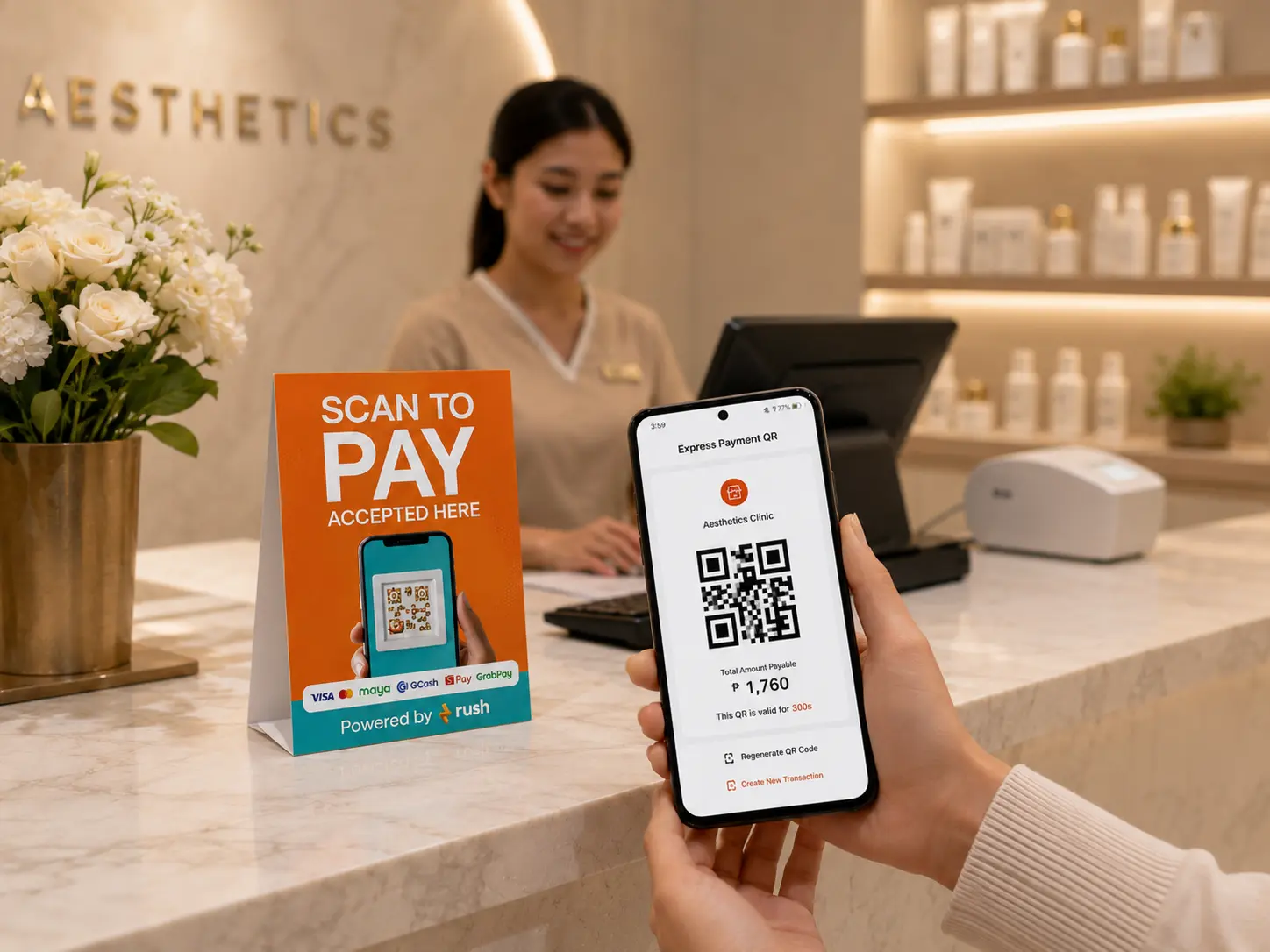

Scan to Pay is a cashless payment method where a customer scans a QR code using their phone to complete a transaction, no card terminal needed, cash to handle, or extra hardware to set up. The customer opens their e-wallet or banking app, performs a QR code scan, and the digital payment goes through in seconds.
For businesses in the Philippines, this is no longer a nice-to-have. As of 2024, 57.4% of all retail transactions are now done digitally, up from just 1% in 2013. Customers are arriving at counters expecting to pay with GCash, Maya, or their banking app. If your business cannot accept that, you are losing sales before the transaction even starts.
Learn more about this cashless payment system below.
The shift happened fast. Digital payments in the Philippines went from nonexistent in 2013 to nearly 60% of all transactions by 2024, driven by smartphones, aggressive fintech growth, and a pandemic that pushed millions of Filipinos to transact online for the first time.
The BSP has been driving this transition deliberately. QR Ph, the national standard for QR code payments, was launched in November 2019 and has since unified the way Filipinos pay across banks and e-wallets. Before QR Ph, a business counter might have had four different QR codes for four different platforms. Today, one QR code scan works across GCash, Maya, and most major banking apps in the country.
Filipino consumer behavior has also shifted significantly, with more customers expecting digital payment options as a baseline. For operations teams running restaurants, retail stores, or service businesses, this means one thing: accepting cashless payments is no longer complicated. The infrastructure is already in your customers' hands, and your business should be made ready to receive it.
The mechanics are straightforward. Your business generates a QR code. The customer scans it with their phone, enters the amount or confirms the pre-set amount, and the payment is sent directly to your account. You receive a notification confirming the transaction in real time.
There are two common setups:
Static QR code. One QR code is printed or displayed at the counter. The customer performs a QR code scan and manually enters the amount. Simple, low-cost, and works for businesses with straightforward transactions.
Dynamic QR code. A unique QR code is generated per transaction with the exact amount pre-loaded. The customer scans and confirms without typing anything. Faster, less prone to errors, and better for high-volume environments like restaurants or busy retail counters.
Both accept digital payments from GCash, Maya, and any bank app connected to QR Ph, giving your customers the freedom to pay with whatever they already use.
Traditional card payment solutions require a POS terminal, a card reader, and a connection to a payment processor. That is cost, maintenance, and a dependency on equipment that can fail during peak hours.
The system removes all of that. The QR code can be printed on a stand, displayed on a screen, or generated fresh for each transaction on a tablet or phone you already own. For small businesses and multi-branch operations alike, the barrier to accepting digital payments drops significantly. This is part of a broader shift in how Philippine financial services are evolving, with QR-based interactions now embedded into everyday transactions across industries.
Your customers do not all pay the same way. Some use GCash, others Maya, BPI, or UnionBank app. A single QR code accepts all of them, so you never have to ask a customer which wallet they use or tell them you cannot accept it.
This is particularly relevant for retail and F&B businesses in the Philippines where a mixed payment environment is still the norm. Accepting all of them through one system removes friction at the point of sale and makes sure you never turn away a sale over a payment method issue.
Filipino diners in particular now expect fast, seamless digital payment experiences as part of the overall dining experience. One of the most practical advantages of contactless pay via QR code is the instant notification. Your staff knows the payment went through the moment it happens, without needing to check a terminal or wait for a slip to print. The customer gets a confirmation on their phone at the same time.
For busy service environments, that speed matters. A table that settles via scan payment clears faster. A retail counter that accepts QR code to pay processes more transactions per hour without adding staff.
Cash creates operational complexity: counting, reconciling, securing, and depositing. It also creates risk, from shortfalls to theft to simple human error.
Switching to a digital payment system removes cash from the equation for most transactions, reducing the administrative load on your team and giving you a cleaner transaction record at the end of every shift. For multi-branch businesses, that cleaner record also means faster reconciliation across locations.
The short answer is almost any business that takes payment in person.
Restaurants and cafes use it at the counter and at the table. Retail stores use it as a checkout option alongside or instead of a card terminal. Service businesses like salons, clinics, and repair shops use it to collect payment without investing in card payment solutions. Market stalls and food cart operators use it because the setup costs nothing beyond printing a QR code.
For grocery retailers specifically, QR code to pay has become a critical tool for reducing cash handling, speeding up checkout, and managing peak-hour throughput without adding staff or equipment.
The BSP's Paleng-QR Ph Plus program, launched in partnership with the DILG, has been working with LGUs across the country to facilitate QR code payments in public markets, local transport, and business establishments, reinforcing scan payment as part of everyday consumer behavior in the Philippines. Wherever your customer base is, customers increasingly expect the option to pay digitally, and businesses that are not ready for that are already a step behind.
RUSH Scan to Pay gives businesses a complete QR-based digital payment system without the complexity of building one from scratch.
You get an unlimited merchant QR code generator, so you can create as many codes as you need across counters, tables, or locations. Each code accepts payments from all major e-wallets and banking apps in the Philippines. Real-time notifications go to both your team and the customer the moment a transaction clears, so there is no guessing and no follow-up needed.
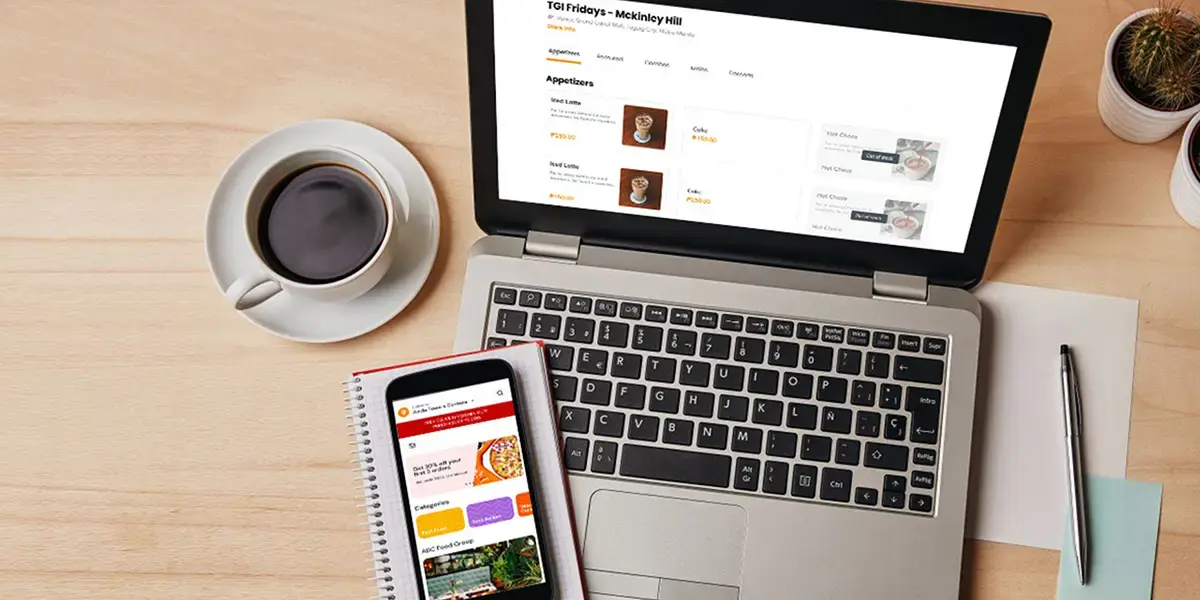
For restaurants and food businesses managing both ordering and payment, RUSH Scan to Order pairs directly with the system, letting customers browse the menu, place their order, and settle the bill all from their phone without flagging down a server.
For businesses that want to pair payments with a loyalty program, RUSH Scan to Pay integrates with RUSH Loyalty Points, so customers can earn and redeem points directly through every contactless pay transaction. That turns a simple payment into a reason for the customer to come back.
Book a demo with RUSH to see how it fits into your operations.
What is Scan to Pay?
Scan to Pay is a digital payment method where customers scan a QR code with their phone to complete a transaction instantly using their e-wallet or banking app.
What makes RUSH Scan to Pay different from other digital payment methods?
RUSH Scan to Pay accepts all major e-wallets and banking apps in the Philippines through a single QR code, with centralized real-time transaction tracking, an unlimited QR code generator, and direct integration with RUSH loyalty programs so every scan payment can also earn a customer reward.
What digital payments does Scan to Pay accept?
RUSH Scan to Pay accepts all major e-wallets and banking apps in the Philippines including GCash, Maya, and most major bank apps.
Do I need a card terminal or special hardware to use Scan to Pay?
No. The system works with a printed or on-screen QR code and requires no card terminal, card reader, or additional hardware.
How can RUSH help my business accept cashless payments?
RUSH Scan to Pay gives you an unlimited QR code generator, multi-wallet acceptance, and real-time digital payment tracking with no extra hardware needed. Book a demo to get started.